Best server-side tracking tools for accurate conversion data in 2026
Discover the best server-side tracking tools for 2026. Compare features, pricing, and who each tool is best for, whether you want plug-and-play simplicity or enterprise-grade control.

Table of contents
Better data.
Set up server-side tracking in minutes with Tracklution. Send better conversion data to your ad platforms so their algorithms can optimise for better results from your budget.
Start your free trialSo, your creatives are looking sharp, your offer is strong, and your targeting is spot-on.
But you could never tell it just from looking at your underwhelming ad campaign results.
Before you tear everything down, pause to ask: is my data even making it back to my ad platforms?
With iOS updates, cookie loss, and blockers in the mix, it's not uncommon that 30-40% of the conversions go missing. And when they do, your ad algorithms can't optimize what they can't see.
This is exactly where server-side tracking plays a leading role. Implementing the right server-side tracking tool can help recover your missing data and directly improve your ad results.
But what is the best server-side tracking tool? We rolled up our sleeves and researched some of the best solutions for 2026. In this guide, we break down what they do, how they differ, and how to pick the one that actually improves your ad performance and fits your specific situation.
Of course, we have an inherent bias - Tracklution is our own server-side tracking platform. We've included it because we believe it genuinely belongs on this list, but we've done our best to assess every tool through the same lens.
How we evaluated these server-side tracking platforms
This guide is based on research across product documentation, demos, practitioner reviews, and community feedback, with a focus on tools relevant to performance marketers and agencies running paid advertising.
Each tool was assessed on:
- Setup complexity: how difficult it is to implement and maintain
- Technical requirements: whether developer resources are needed
- Platform integrations: which ad platforms each tool supports
- Pricing: cost across different team sizes and use cases
- Best fit: the specific scenarios and users each tool is built for
At a glance: Quick server-side tracking tools comparison
Tool | Best for | Key features | Pricing |
|---|---|---|---|
Tracklution | Marketers who want clean data and better ad performance with no dev work | No-code setup, ad platform sync, no maintenance, unlimited Google Ads token | From €31/month, no additional fees |
sGTM | Developers who want total control | Full flexibility, manual setup, custom everything | Free tool, high setup cost |
Stape | Budget-friendly sGTM hosting | Shared hosting, prebuilt templates, CMS plugins | From $17/month, but often need a half-time dev |
Jentis | EU enterprise with privacy requirements | Full anonymisation, EU-compliant infrastructure | From €1000/month + onboarding |
Elevar | Shopify brands needing attribution clarity | eCom analytics and rich eCom reports | From $200/month |
Taggrs | Dev-heavy teams looking for cheaper hosting | sGTM + templates + UI helpers | Free up to 10k requests, then from $22/mo + setup and ongoing technical support costs |
Redtrack | Multi-channel attribution + reporting | Real-time dashboards, CAPI, funnel tracking | From $149/month |
Wetracked.io | Small eCom stores (Shopify, etc.) | One-click Facebook + Klaviyo integration, Shopify app | From $49/month |
Hyros | Multi-channel attribution/reporting | Attribution-heavy, complex integrations | Custom pricing |
TripleWhale | Shopify analytics & dashboards | Server/client tracking, advanced analytics | From ~$300/mo |
Tealium EventStream | Enterprises seeking CDP & orchestration | Enterprise-grade CDP, robust data orchestration | Custom (Enterprise) |
Segment | Enterprises seeking CDP & orchestration | User-level data stitching, real-time CDP | Custom (Enterprise) |
ProfitMetrics | Profit tracking only | Profit-focused, easy setup | Free trial, usage-based |
Reaktion.com | Shopify plug-and-play tracking | Shopify-native, one-click integrations, profit dashboards | Shopify-tiered pricing |
Addingwell | Managed GTM-SS hosting | Managed hosting, debugging tools | Usage-based, free trial + dev for setup and maintenance |
Quick note:
Not all tools below are built to improve conversion data accuracy. Some are attribution platforms or CDPs focused on reporting, not on helping ad platforms receive and act on high-quality data.
Is a server-side tracking platform the right solution for you?
If you:
- run paid ads or are involved in PPC optimization
- rely on Meta, Google, TikTok, Pinterest, or other ad platforms to optimize
- keep seeing fewer conversions than you know are happening
- see different conversion numbers in different places
- feel like your ROAS is dropping for no reason, or should be higher
Then yes - server-side conversion tracking will radically improve the quality, accuracy, and completeness of your data — whether that feeds your ad platforms, your analytics, or both.
Want to dig deeper? Read our detailed description of how server-side tracking works.
Deep-dive reviews: The 14 best server-side tracking tools
Below, we've broken down what makes each tool stand out, who it's best for, and when to choose it over the alternatives.
Let's dive in.
1. Tracklution: Plug-and-play server-side tracking software
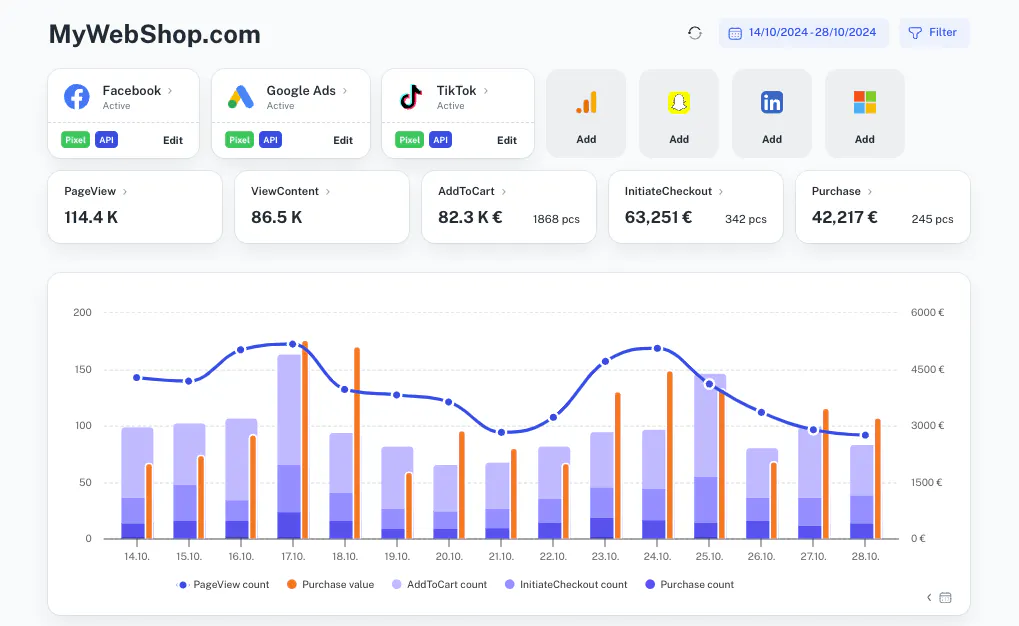
What it is: A server-side tracking platform made for performance marketers and agencies. You don't need your own server or a developer on speed dial.
Who it's for: Teams who want an affordable and accurate server-side tracking setup without waiting on developers or external consultants.
How it works:
Tracklution sits between your website and ad platforms, capturing conversion events server-side and sending clean, complete data directly to your ad platforms' APIs. This bypasses the browser limitations, ad blockers, and iOS tracking restrictions that cause data loss and restores your data integrity.
What makes it great:
- Proven results: Most users see 30-40% more accurate conversion data within weeks of switching
- Improved ROAS: Accurate conversion data helps ad algorithms optimize more effectively and spend more wisely, often leading to real improvements in ad performance
- 5-minute setup: No technical knowledge required - if you can copy and paste, you can set it up
- No-code interface: Everything is managed through a simple dashboard
- Works across all major ad platforms: Meta, Google, TikTok, Pinterest, and more
- Unlimited Google Ads Enhanced Conversions token built in
- Zero maintenance: No scripts to update, servers to manage, containers to debug
24 Center, a Nordic home maintenance service that was losing track of phone orders from their online campaigns. After switching to Tracklution, they cut their customer acquisition cost by 30% and started scaling ad spend profitably. The setup took them less than 15 minutes across multiple markets.
What to keep in mind:
- It's not a CDP or analytics warehouse
- It's not made for devs who want to customize containers manually
Pricing: Starts at €31/month. No setup fees or usage-based penalties.
Verdict: Tracklution is an excellent tool for agencies and marketers who want simple and effective server-side tracking, without the complexity of manual setups. If you're running ads (for yourself or customers) and suspect you're losing conversions, this is the fastest way to fix it.
Take control of your ad performance
Start using Tracklution to reduce data loss, feed your ad platforms better signals, and help your campaigns scale with clarity.
2. sGTM: full control, but also full complexity
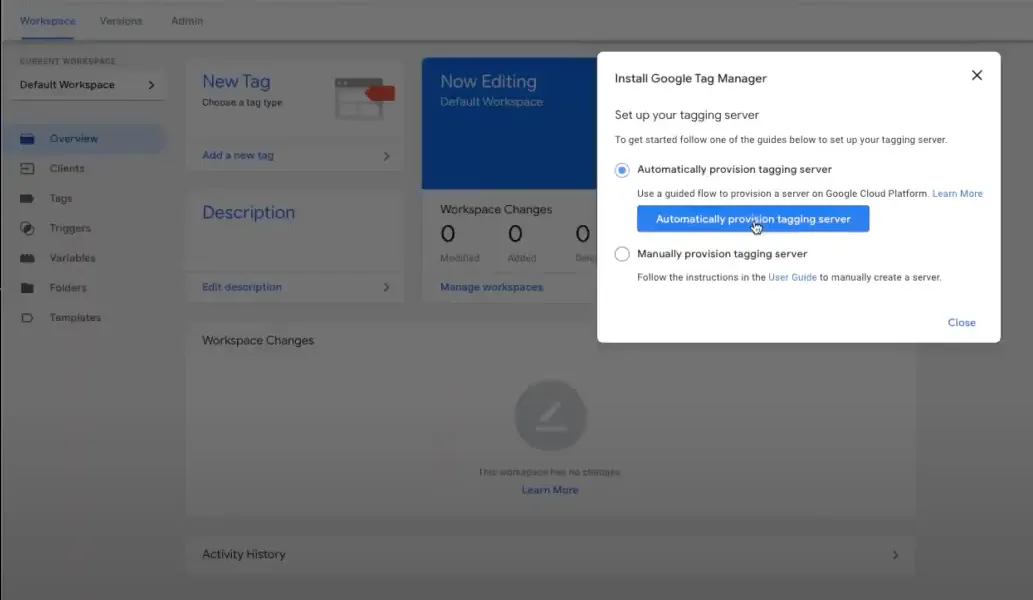
What it is: Google's server-side tagging container. Fully customizable, but only if you know what you're doing.
Who it's for: Dev teams with ample time, budget, and deep technical knowledge.
What makes it different:
- Ultimate flexibility
- Open-ended configuration
- Free to use
What to keep in mind:
- Not actually free when you include hosting, setup, and maintenance
- It might break, it might break you, and it's hard to debug
- Setup can take weeks or more
Pricing: Free container. Real-world costs vary wildly.
Verdict: Great for devs. Not so great for speed or simplicity or for non-techies.
3. Stape: easier sGTM hosting
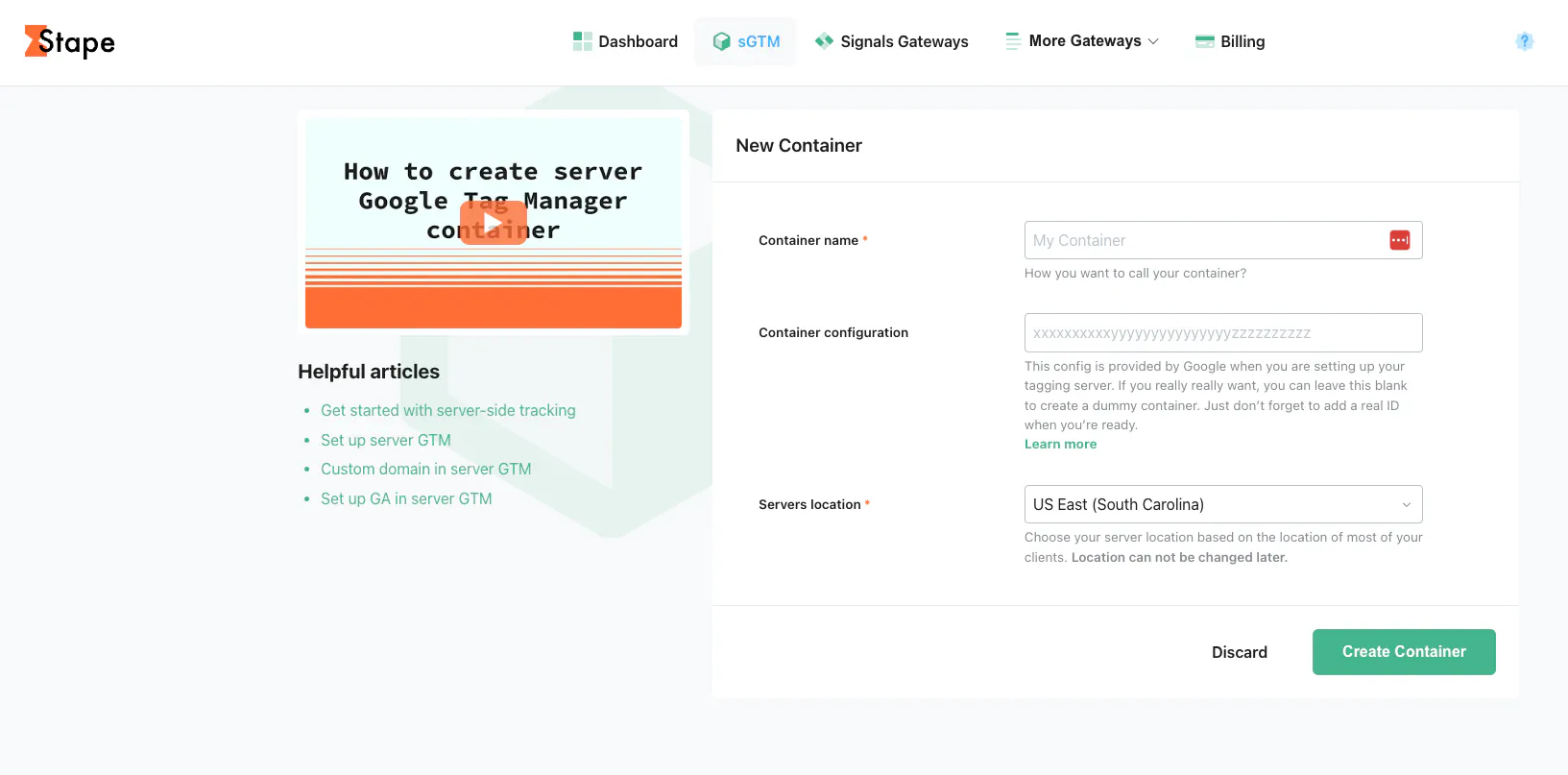
What it is: Hosting + helper tools built on top of sGTM.
Who it's for: Teams that want to run sGTM without managing their own infrastructure.
What makes it different:
- One-click setup
- CMS plugins
- Prebuilt tracking templates
What to keep in mind:
- While it seems beginner-friendly on the surface, it still demands a working knowledge of GTM server-side and may introduce unexpected bugs if misconfigured
- Long-term costs include setup time and ongoing tweaks, and you might end up needing a half-time dev or a consultant.
Pricing: Starts at $17/month+tech's time for setup and maintenance. Free tier for smaller sites
Verdict: Good middle ground if you're comfortable with technical setup.
Read our full guide to Stape alternatives for a deep dive.
4. Jentis: Privacy-first tracking for EU enterprises
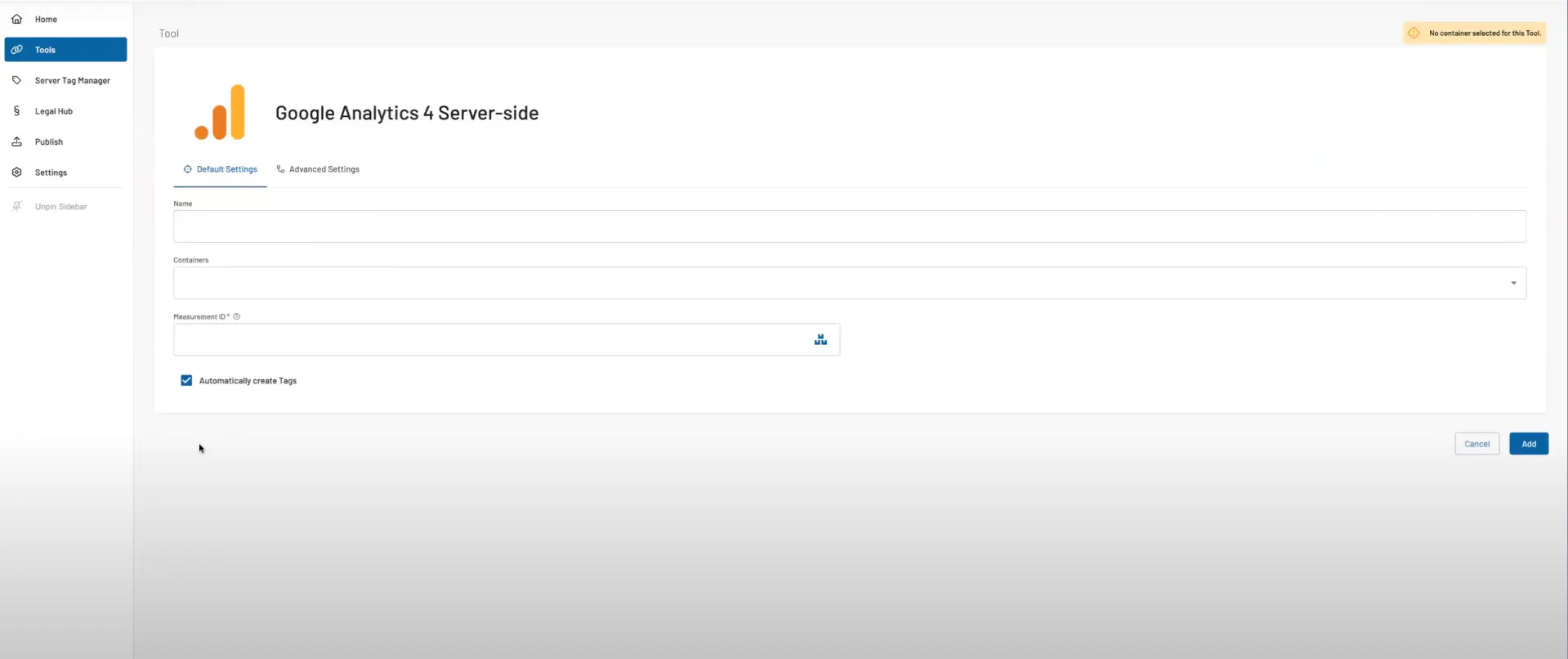
What it is: A privacy-first server-side tool built for EU enterprises.
Who is it for: Companies with heavy compliance needs and large internal teams.
What makes it different:
- Fully European infrastructure
- Deep anonymisation controls
- Built around legal requirements
What to keep in mind:
- Not self-service
- Requires an onboarding project
- Pricing rules out smaller teams
Pricing: Starts at €1000/month.
Verdict: A fit for enterprise privacy needs, usually not for lighter use cases.
5. Elevar: Ecommerce tracking with pro support
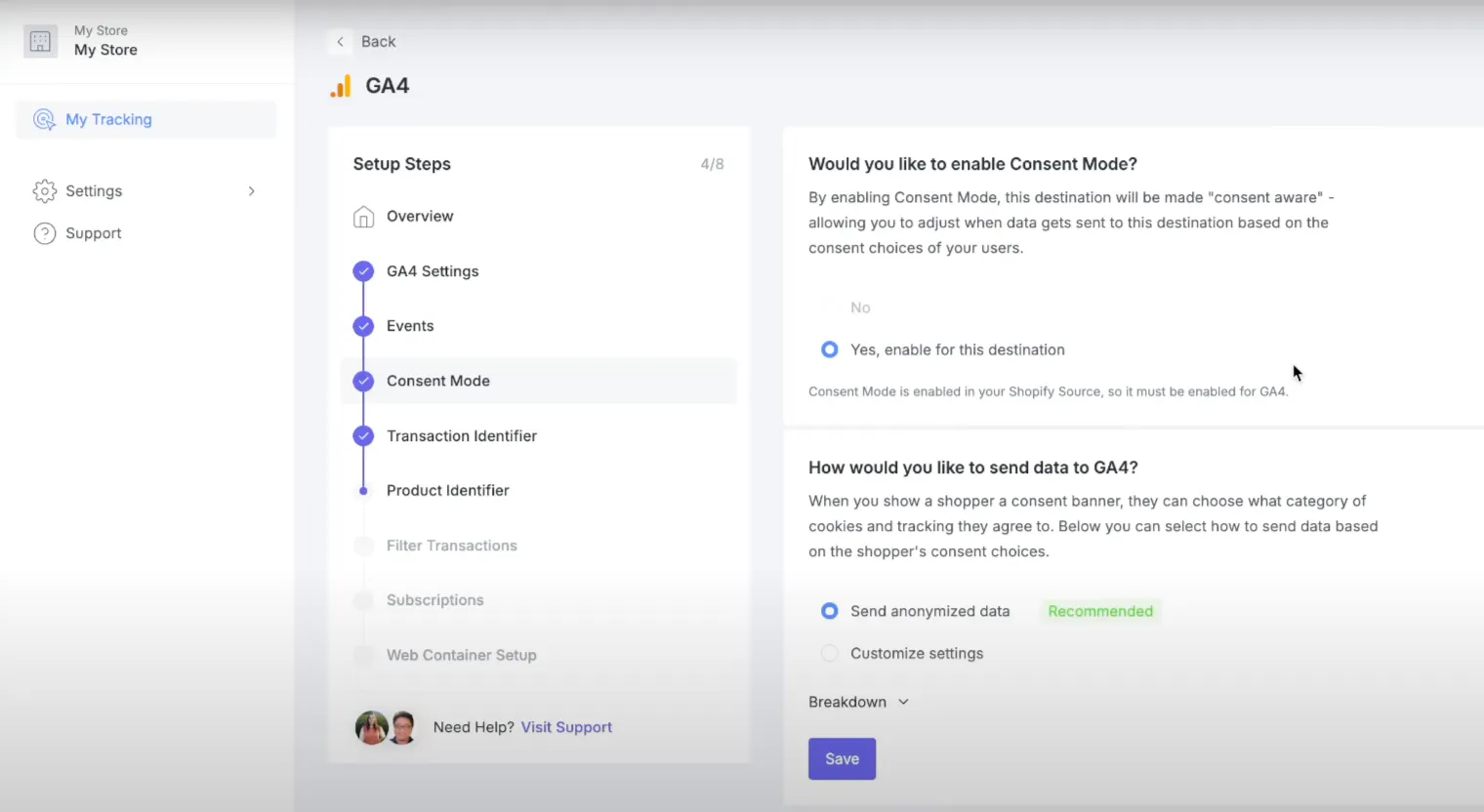
What it is: Server-side tracking with ecommerce analytics layered in.
Who it's for: Established ecommerce brands with high order volume and in-house tech.
What makes it different:
- Tracks profit, LTV, order velocity
- Optional onboarding services
- Tailored reports for ecommerce
What to keep in mind:
- Setup is heavier than plug-and-play tools
- Less ideal for newer or smaller shops
Pricing: Starts at $200/month. Onboarding and support add extra costs.
Verdict: Solid ecommerce stack, but a rather high barrier for smaller stores.
6. Taggrs: sGTM with templates and helpers
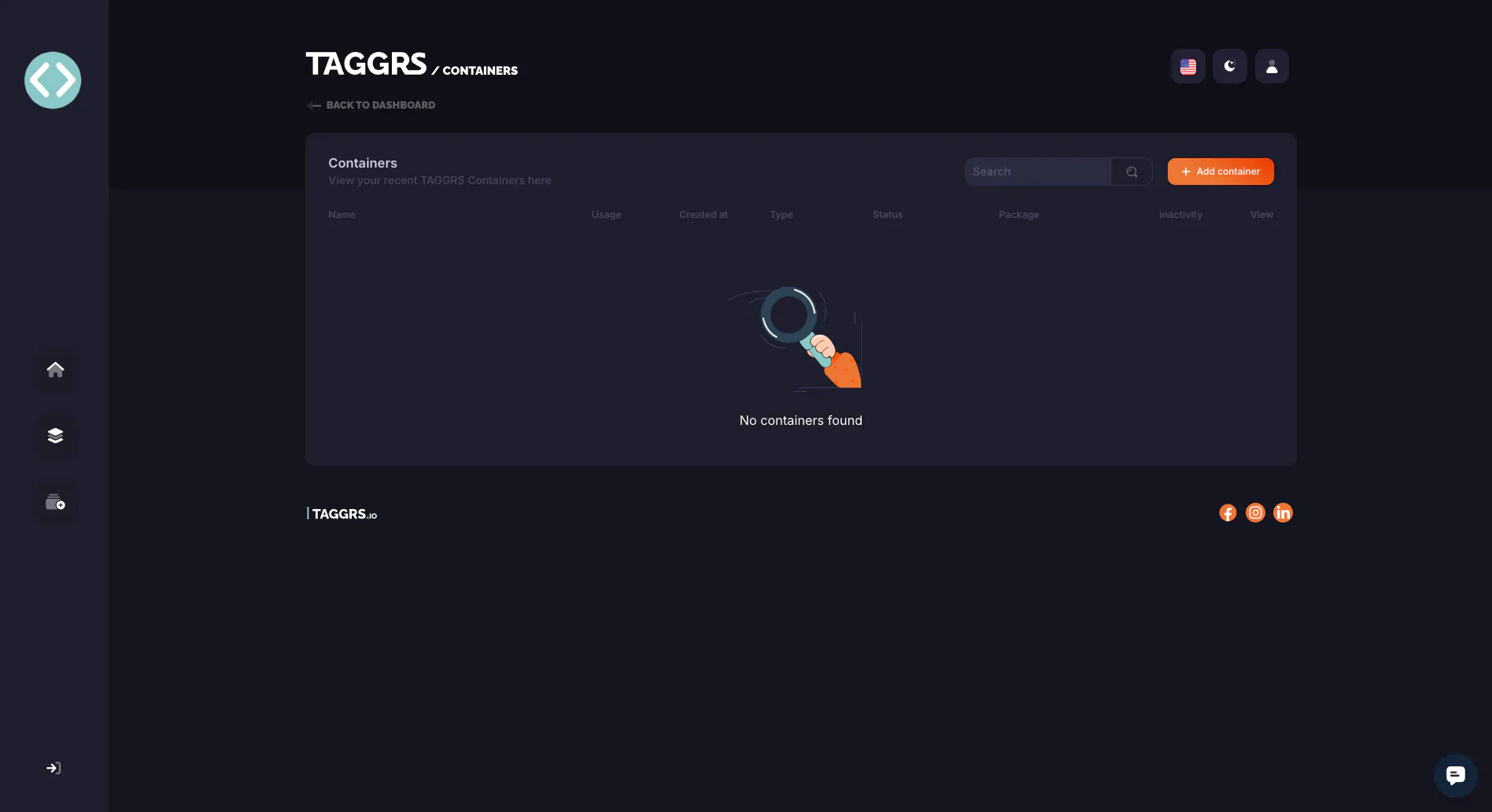
What it is: Hosting for sGTM with some UI polish and Shopify plugins.
Who it's for: Developers who want to simplify the sGTM experience but still maintain control.
What makes it different:
- Shared hosting
- Built-in templates
- UI helpers
What to keep in mind:
- Still not for non-technical teams
- Requires tech support over time
Pricing: Free tier available. Paid plans from $22/month + might need some budget for setup and maintenance.
Verdict: For technical users who want a cheaper way to host sGTM.
7. Redtrack: Heavy attribution stack with automation
What it is: A full-funnel ad tracker with attribution, dashboards, and automation features.
Who it's for: Agencies and marketers running multi-channel ad campaigns who want detailed reporting.
What makes it different:
- Real-time dashboards
- Custom event tracking
- Multi-channel attribution
What to keep in mind:
- Not ecommerce-specific
- Built for tracking, not for fixing conversion loss
Pricing: Starts at $149/month.
Verdict: Great if you want reporting. Less useful if you need to fix data quality.
8. Wetracked.io: plug-and-play server-side tracking software for Shopify
What it is: Simple tracking for Shopify and other ecommerce stores.
Who it's for: Small DTC brands that want basic server-side setup with no code.
What makes it different:
- Shopify app
- Facebook CAPI + Klaviyo support
- No-code setup
What to keep in mind:
- Only useful for eCom
- Limited feature set
Pricing: Starts at $49/month.
Verdict: Good starter tool for direct-to-consumer teams, but not so much for scaling complexity.
9. Hyros: Attribution-heavy, but not built for data recovery
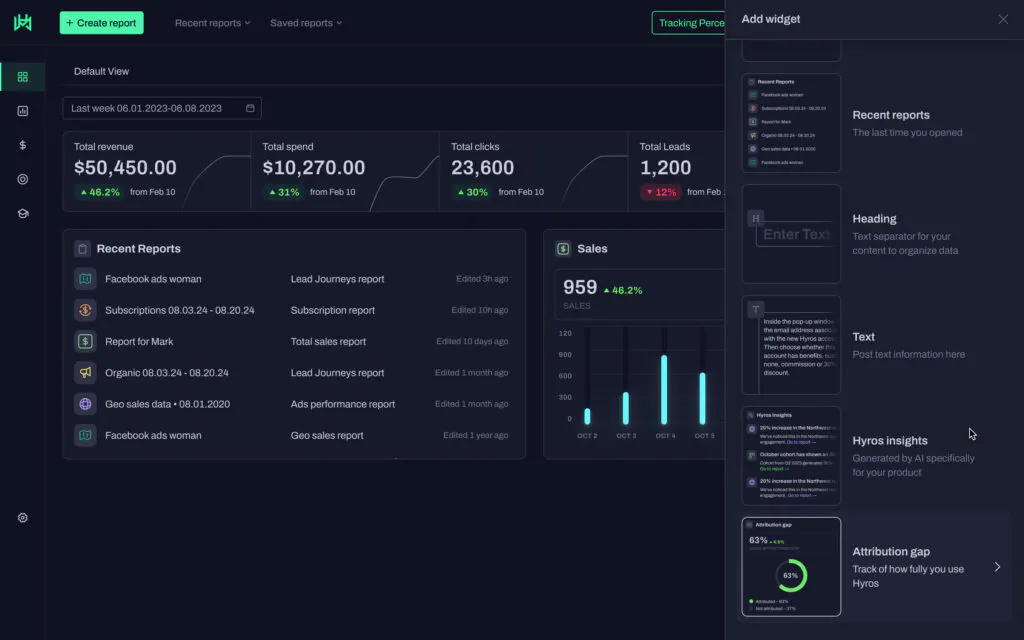
What it is: A multi-channel attribution platform with detailed reporting and ad matching features. It supports some server-side tracking but isn't primarily built for fixing data loss.
Who it's for: Marketers who want to analyze performance across channels and customer journeys, especially if attribution clarity is more important than raw tracking accuracy.
What makes it different:
- Tracks calls, emails, and ad interactions across platforms
- Cohort and LTV analytics built in
- Great for attribution reporting
What to keep in mind:
- Tracking capabilities are limited compared to dedicated tools
- Setup and integrations can be complex
- Not ideal for improving data quality in ad platforms
Pricing: Custom (typically based on ad spend or business size)
Verdict: Good for reporting and attribution, but not the best choice if your goal is to feed cleaner data back to your ad platforms for better optimization.
10. TripleWhale: Shopify analytics + attribution with visual dashboards
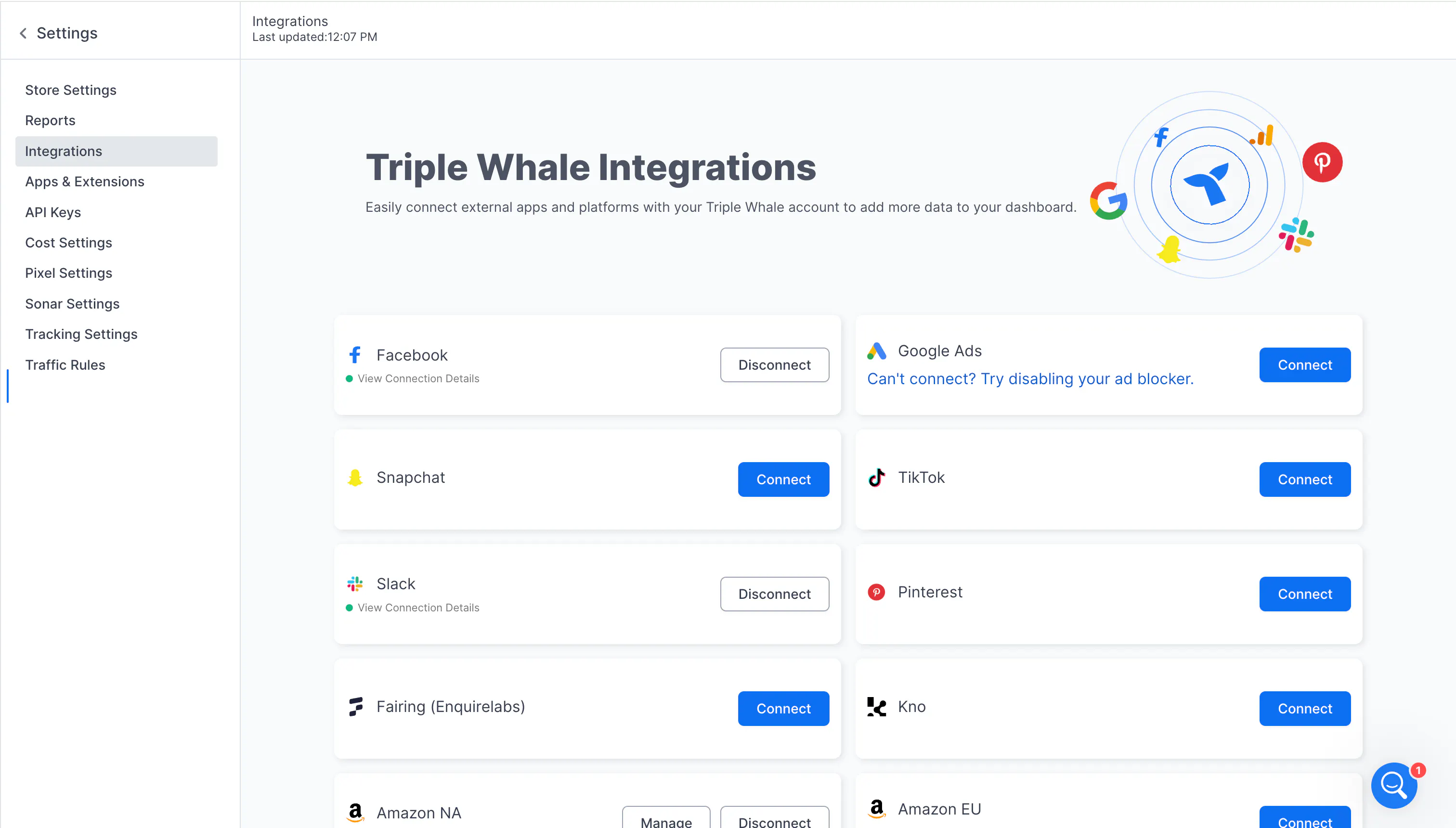
What it is: An eCommerce-focused tracking and analytics platform for Shopify stores, offering visual dashboards that blend profit, attribution, and business KPIs.
Who it's for: Shopify brands looking for an all-in-one reporting and tracking layer with built-in profit metrics, LTV dashboards, and identity-based tracking.
What makes it different:
- Combines client-side and server-side data via "Triple Pixel"
- Powerful visual reports: cohorts, LTV, ROAS, inventory insights
- Identity graph enhances user stitching across sessions/devices
What to keep in mind:
- Tracking precision varies depending on setup
- Not built to solve conversion loss directly
- More of an analytics platform than a pure tracking tool
Pricing: Starts around $300/month, varies by features and store volume
Verdict: A strong option for Shopify brands focused on deep reporting, but less suited for marketers who want to ensure accurate, complete conversion data is captured and delivered to their ad platforms.
11. Reaktion.com: Plug-and-play tracking for Shopify brands
What it is: A Shopify-focused server-side tracking platform with built-in ecommerce KPIs.
Who it's for: Merchants who want conversion tracking plus profit dashboards, without dev time.
What makes it different:
- One-click server-side integration for Meta + Google Ads
- Real-time ROAS, LTV, and profit views
- Shopify-native app
What to keep in mind:
- Shopify-only
Pricing: Shopify-tiered; varies by order volume.
Verdict: Solid Shopify-native solution for ecommerce marketers who want plug-and-play dashboards and ad integration.
12. Tealium & Segment: Full-scale CDPs with tracking capabilities
What they are: Enterprise-grade Customer Data Platforms CDPs with optional server-side tracking components.
Who they're for: Large enterprises seeking data orchestration, user-level stitching, and audience syncing.
What to keep in mind:
- High cost, heavy implementation
- Usually overkill for most marketers
Verdict: Robust, powerful, but it reflects in the price and complexity. Mostly best suited for enterprise data teams, not fast-moving marketing operations.
13. ProfitMetrics: Simple profit-tracking tool
What it is: A focused profit-tracking tool, not a full server-side tracking platform.
Who it's for: Marketers who want to focus purely on profit tracking rather than comprehensive conversion data.
What makes it different:
- Easy, profit-focused UI
- Quick insights, minimal setup
What to keep in mind:
- Limited tracking scope; doesn't improve data accuracy for ad platforms.
- Only profit metrics
Pricing: Free trial, then usage-based pricing.
Verdict: Good for profit-only tracking; lacks comprehensive data capabilities.
14. Addingwell: Managed GTM server-side hosting
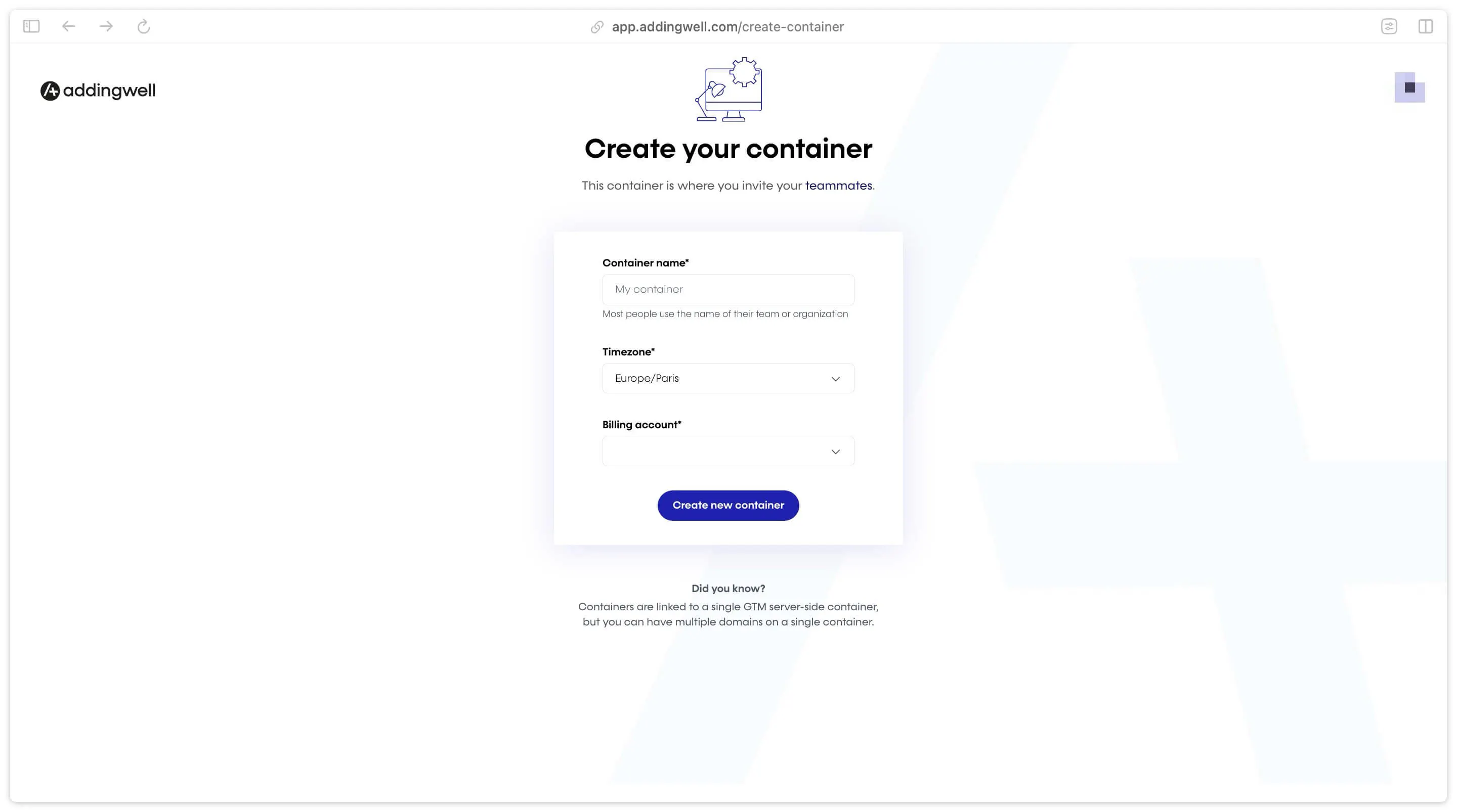
What it is: Fully managed hosting for Google Tag Manager Server-Side.
Who it's for: Teams wanting simplified GTM-SS management with UI tools.
What makes it different:
- Managed servers
- Built-in debugging
What to keep in mind:
- Still requires some tech knowledge
- Ongoing maintenance
Pricing: Usage-based; free trial available.
Verdict: Strong for simpler managed GTM-SS hosting, but still technical.
How to choose the right tool
The right tool depends on your technical setup, platform, resources, and goals. Here's a quick framework to help narrow down your decision:
- You want no-code, no maintenance, and clean ad data → Go with a managed, plug-and-play platform: Tracklution, Wetracked.io, or Reaktion. These tools are built for marketers, not engineers. You connect your ad accounts, and it handles everything else. Tracklution is the strongest option here if you're running across multiple ad platforms, need automated API updates, or operate in a regulated industry where compliance matters.
- You have developer resources and want full control → Go for sGTM. This gives you maximum flexibility and customization, but you'll need to budget for cloud hosting, initial setup, and continuous maintenance.
- You want sGTM but without hosting it yourself → Stape, Taggrs, or Addingwell handle the infrastructure, but you're still responsible for configuration, debugging, and maintenance. If the goal is to avoid technical upkeep rather than just the hosting bill, a fully managed platform like Tracklution is worth comparing before you commit.
- You run a Shopify store and want tracking plus analytics → Elevar is a great choice for high-volume Shopify brands with the in-house tech to match. For teams who want reliable server-side tracking without the setup complexity, Tracklution and Reaktion both integrate cleanly with Shopify and get you live in minutes.
- Your priority is attribution reporting and multi-channel visibility → Redtrack, Hyros, or TripleWhale. All three are attribution-first tools with strong dashboards — but be clear on what they're solving: reporting and analysis, not conversion loss.
- You can't realistically maintain a complex setup → Then don't start with one. The real cost of sGTM and managed hosting tools isn't the monthly fee, it's the technical time and resources they demand. If your team doesn't have that capacity, plug-and-play platforms that handle updates, API changes, and compliance for you will deliver better results with far less friction.
Server-side tracking: An essential addition
Server-side tracking isn't a nice-to-have anymore. If you're spending money on ads and sending broken data to your ad platforms, you're not just missing conversions, but also training your algorithms on junk. You know how they say - garbage in, garbage out.
The good news is that fixing it has never been easier or more accessible. Whether you go with a fully managed platform or build your own setup, the tools on this list cover every level of technical complexity and every budget.
Pick the one that fits your situation, get your tracking right, and let your ad platforms do what they're actually built to do.
Take control of your ad performance
Start using Tracklution to reduce data loss, feed your ad platforms better signals, and help your campaigns scale with clarity.
Related posts

Server-Side Tracking
Server-side tagging: What it is and why it matters for your ad performance
Get clear on what server-side tagging is, why it matters for your ad performance, and whether it’s worth it for your marketing team.
Server-Side Tracking
Server-side tagging: What it is and why it matters for your ad performance
Get clear on what server-side tagging is, why it matters for your ad performance, and whether it’s worth it for your marketing team.

Server-Side Tracking
Server-side tracking and GDPR: what you need to know
Server-side tracking won't make you GDPR compliant on its own, but it gives you the control to get there. Here's a setup your legal team can sign off on
Server-Side Tracking
Server-side tracking and GDPR: what you need to know
Server-side tracking won't make you GDPR compliant on its own, but it gives you the control to get there. Here's a setup your legal team can sign off on
Server-Side Tracking
Server-side tracking vs server-side tagging vs platform gateways: What they are and which to choose
Server-side tracking, tagging, and gateways are not the same thing. Learn what each approach does, how they compare, and which is right for your setup.
Server-Side Tracking
Server-side tracking vs server-side tagging vs platform gateways: What they are and which to choose
Server-side tracking, tagging, and gateways are not the same thing. Learn what each approach does, how they compare, and which is right for your setup.
Questions and answers
What does Tracklution actually do?
Tracklution sends conversion data directly to ad platforms (Meta, Google Ads, TikTok, etc.) through server-side APIs. Instead of relying on browser pixels that get blocked by ad blockers, iOS privacy changes, and cookie restrictions, your data goes server-to-server. The result: ad platforms see more of your real conversions, their algorithms optimize better, and you get better ROAS.
What is server-side tracking?
Server-side tracking gathers first-party data directly on your website and sends tracking events to ad platforms via Conversion APIs. This approach bypasses restrictions from iOS devices, ad blockers, and privacy-focused browsers, providing more accurate data and making your paid advertising more efficient.
Is it just one setup that feeds data into all my ad platforms?
Yes. You install Tracklution once, connect your ad accounts, and it sends conversion data to all platforms simultaneously through their respective APIs (Meta CAPI, Google Ads API, TikTok Events API, etc.). No need to manage separate server-side setups for each platform.
How much more conversion data will my ad platforms actually see?
On average, clients report 34.2% more conversions compared to traditional browser-based pixels. This means the ad algorithms have significantly more signal to work with, which translates to 15-35% lower customer acquisition costs for most clients.
Do I need developers to set this up?
No. Setup takes 5-15 minutes depending on your platform. For Shopify, WooCommerce, and other supported platforms, it is plug-and-play. You do not need custom coding or engineering resources. For GTM users, you can keep your existing setup and add Tracklution alongside it.
Do I need to remove my existing tracking tags?
Not necessarily. Tracklution works alongside your current setup. You can run both in parallel initially to compare data, then decide whether to simplify.
What about the DNS / CNAME setup?
Tracklution uses a first-party CNAME record on your domain for data collection. This takes a couple of minutes to configure and up to 48 hours to propagate. It is what makes the tracking resistant to ad blockers and browser restrictions.
Can I verify that the data is actually more accurate?
Yes. Run Tracklution alongside your existing tracking and compare. The dashboard also shows "recovered events" so you can see exactly how many conversions would have been missed without server-side tracking.
Can I distinguish between organic and paid traffic?
Yes. Tracklution preserves traffic source attribution. The conversion data sent to each ad platform includes the proper attribution parameters.
What about offline conversions (phone calls, in-store, CRM events)?
Tracklution supports offline conversion tracking through webhooks and CRM integrations. If someone clicks an ad, then converts offline, you can feed that back to the ad platforms. Clients using this see up to 35% reduction in acquisition costs because the algorithms learn from the full conversion picture.
How does this work with cookie consent and CMP tools?
Tracklution supports both Basic and Advanced Consent Mode. It reads your CMP data layer automatically and respects user consent choices. In Advanced Consent Mode, it can still collect anonymized, cookieless data when users decline cookies, which helps ad platform modeling without violating privacy rules. Fully GDPR-compliant.
How is this different from Stape or building your own sGTM setup?
Stape provides server-side GTM hosting, which means you still need to build and maintain the tags, triggers, and configuration yourself. Tracklution is a complete solution: plug-and-play setup, automatic event detection, built-in consent management, a real-time analytics dashboard, and ongoing maintenance of all API connections. When ad platforms change their APIs (which happens often), we handle the updates.
How does the agency partner model work?
Single dashboard to manage all client accounts. Each client has their own tracking container. The platform handles all technical maintenance, so you are not stuck troubleshooting API changes or broken tracking.

Have further questions?




